
Production managers
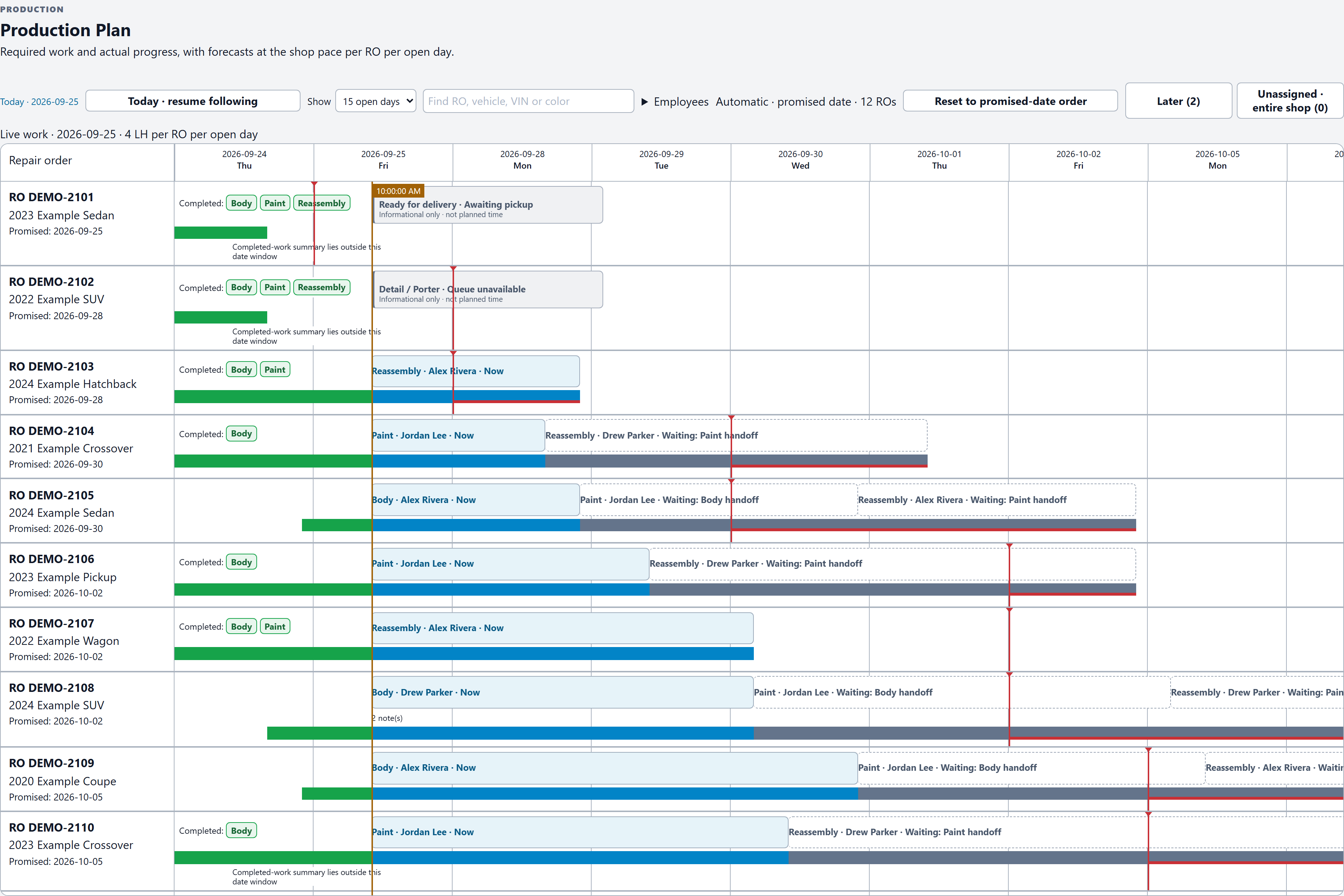
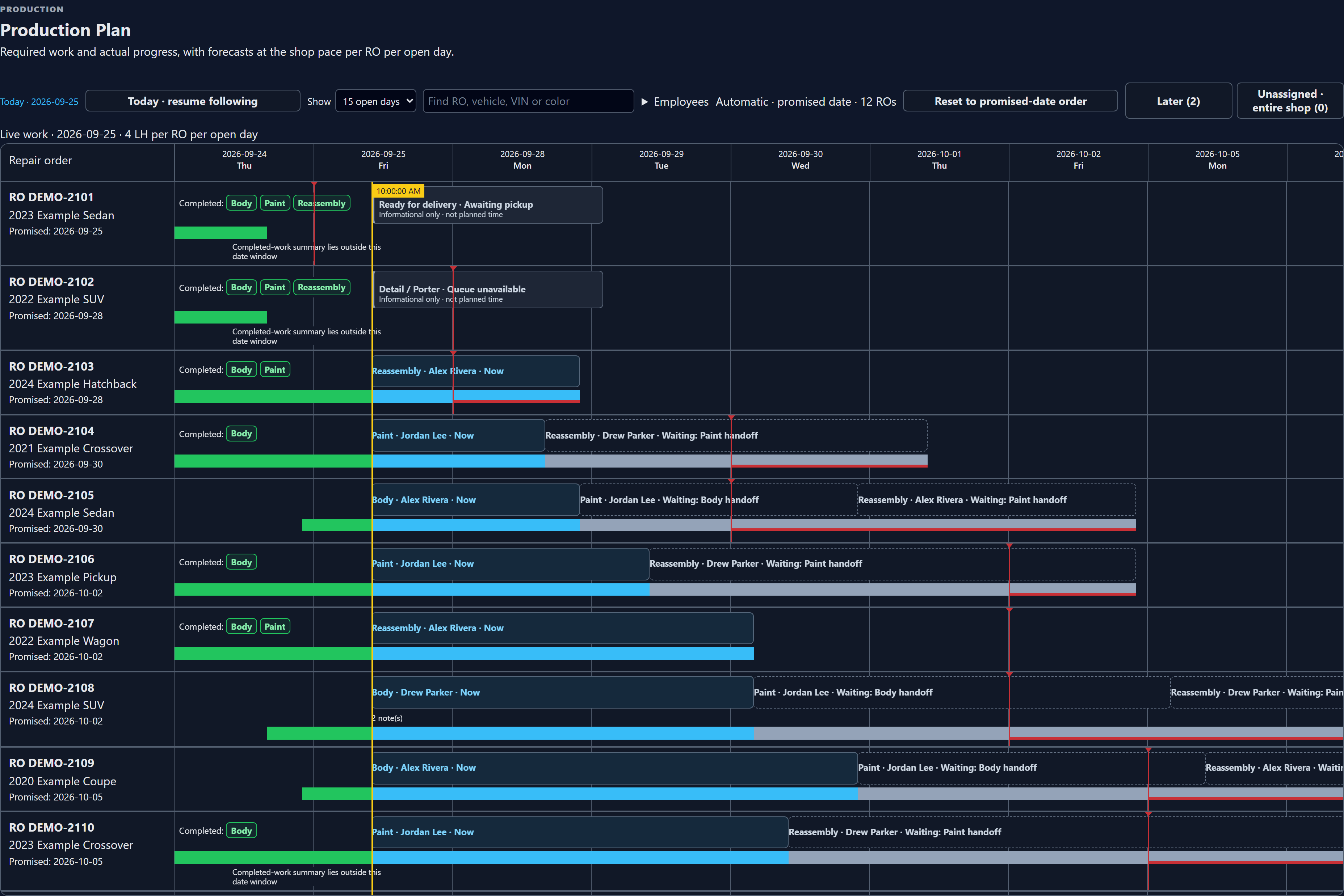
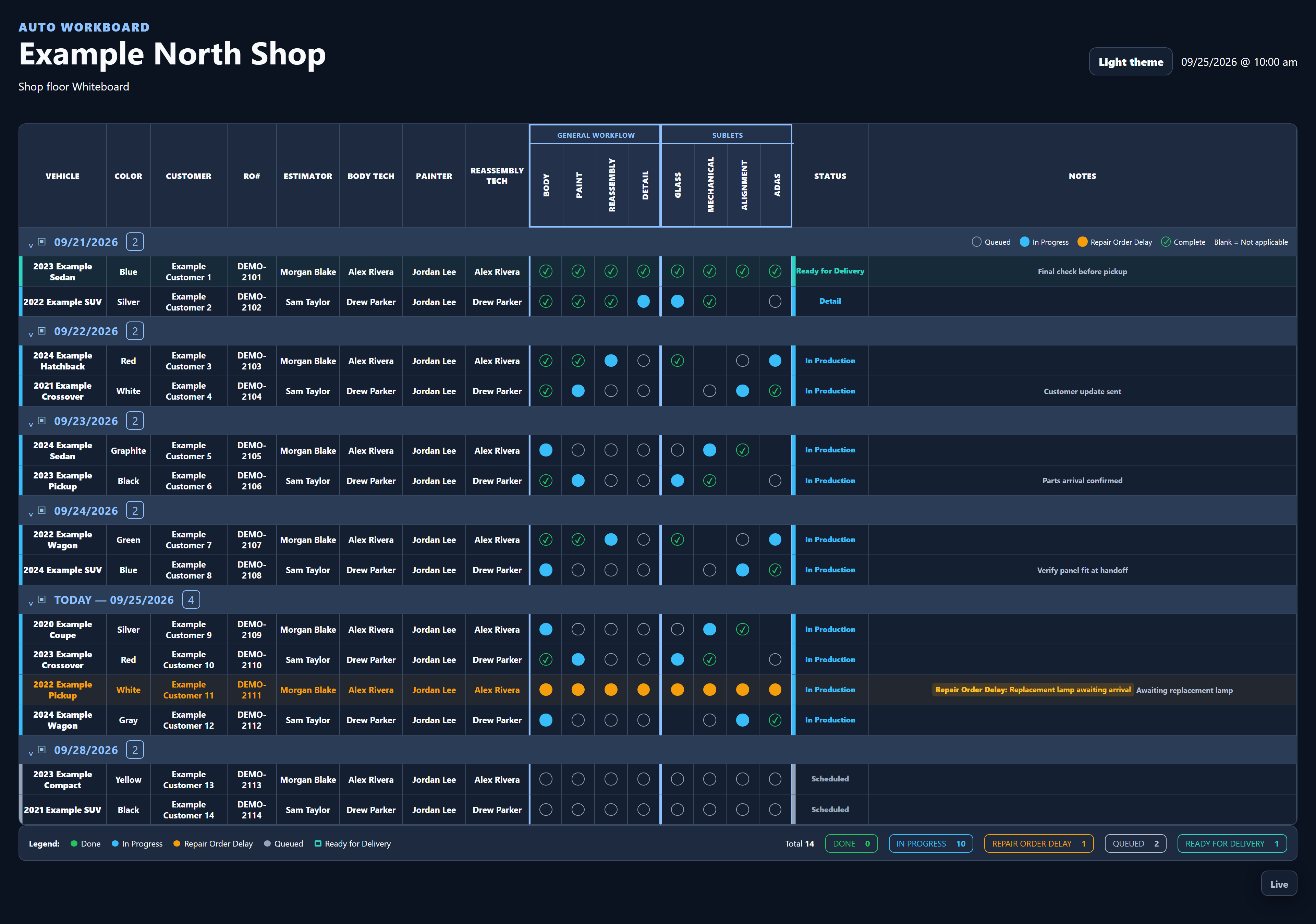
Review work in flight, assignments, projected finishes, and promised dates.
Repair operations, in sync
Keep the plan, the handoffs, and each person's next job in one place, so your team can focus on the repair.
Production Plan
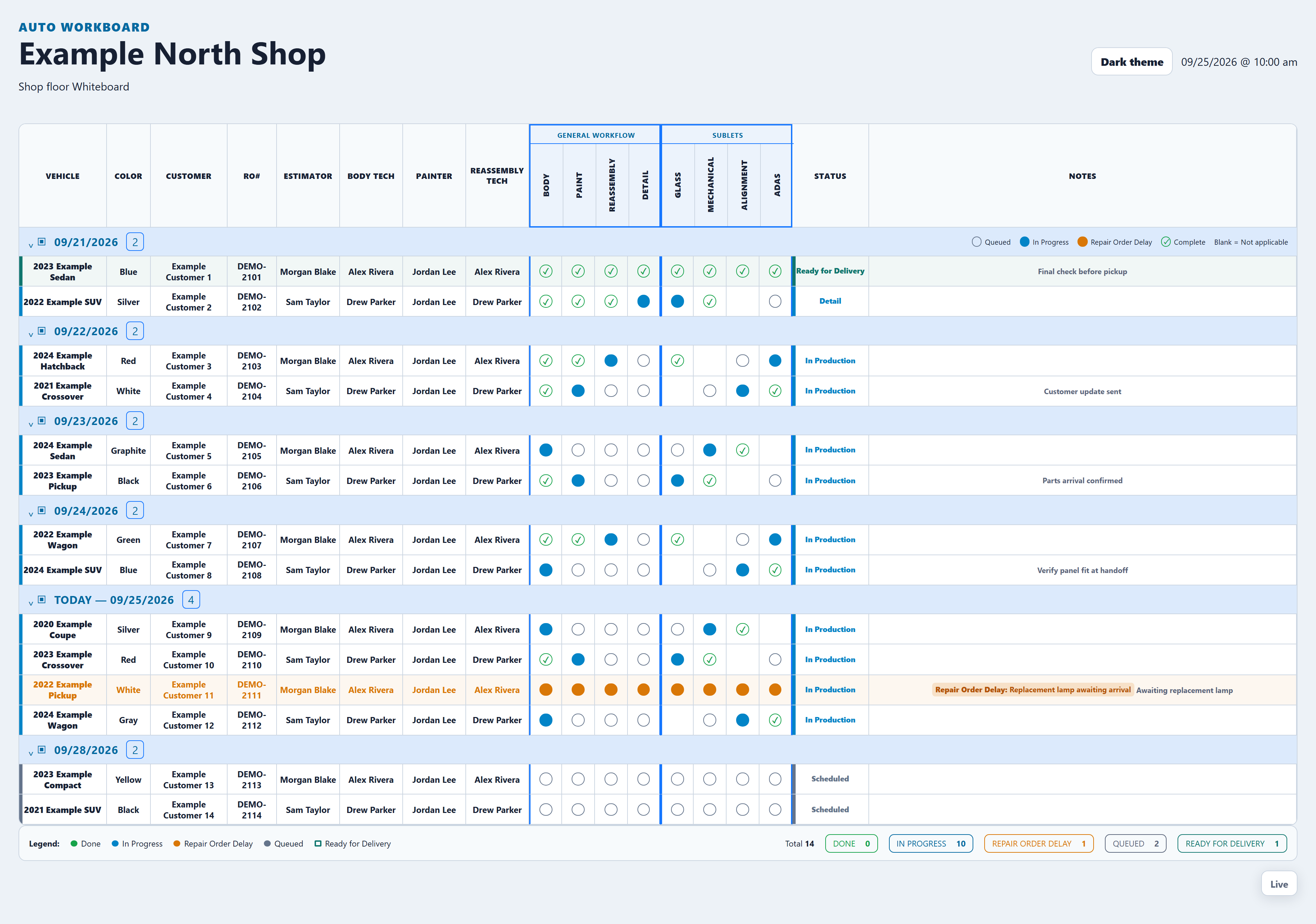
One shop. One shared picture. Real app screens with fictional shop data. Enlarge the selected screenshot to read the details.
Creating an account starts registration. Your seven-day trial begins only after email verification, shop setup, and confirmed card-backed activation.
Auto WorkBoard is in active development; general release is planned for January 1, 2027.
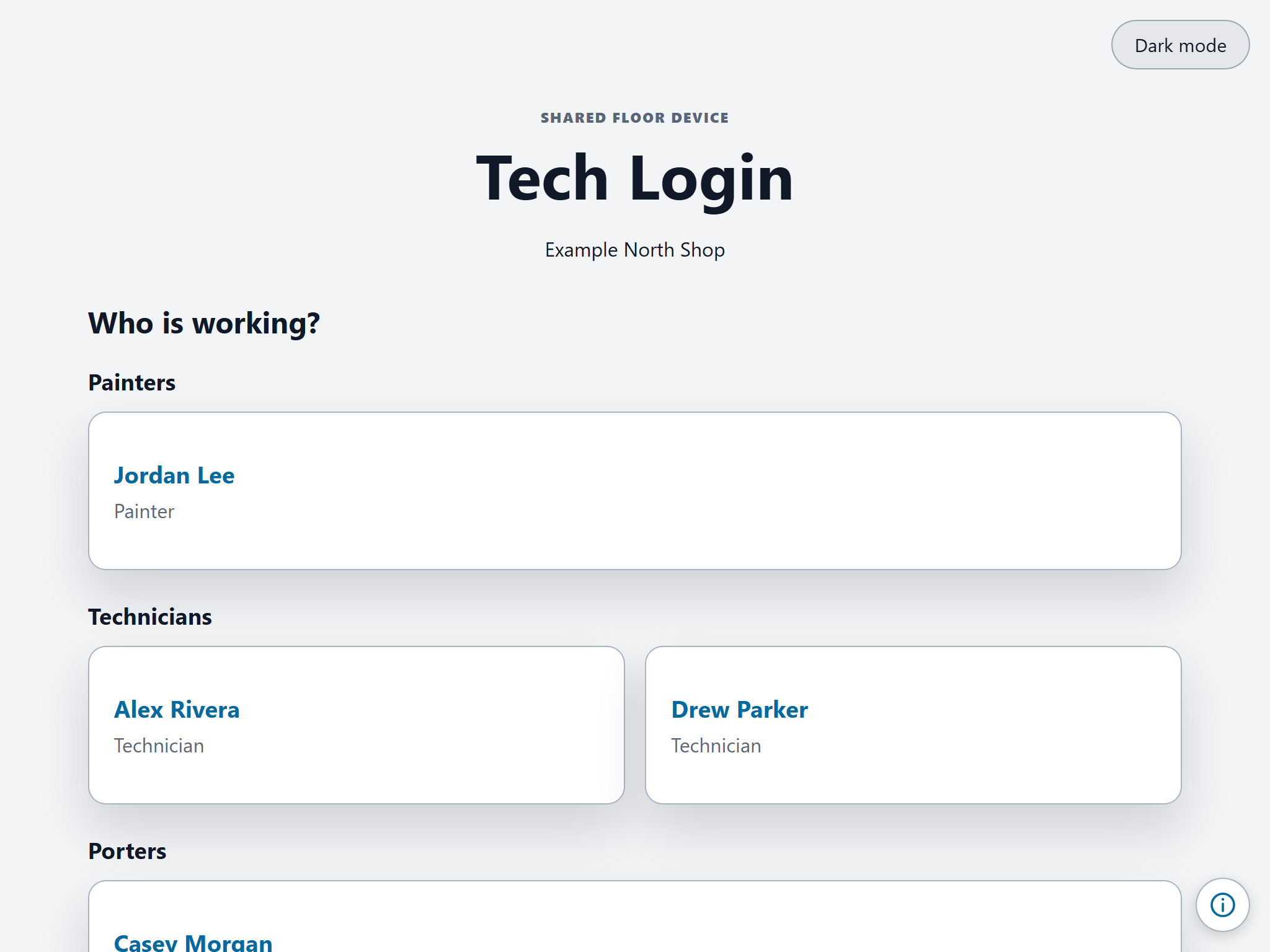
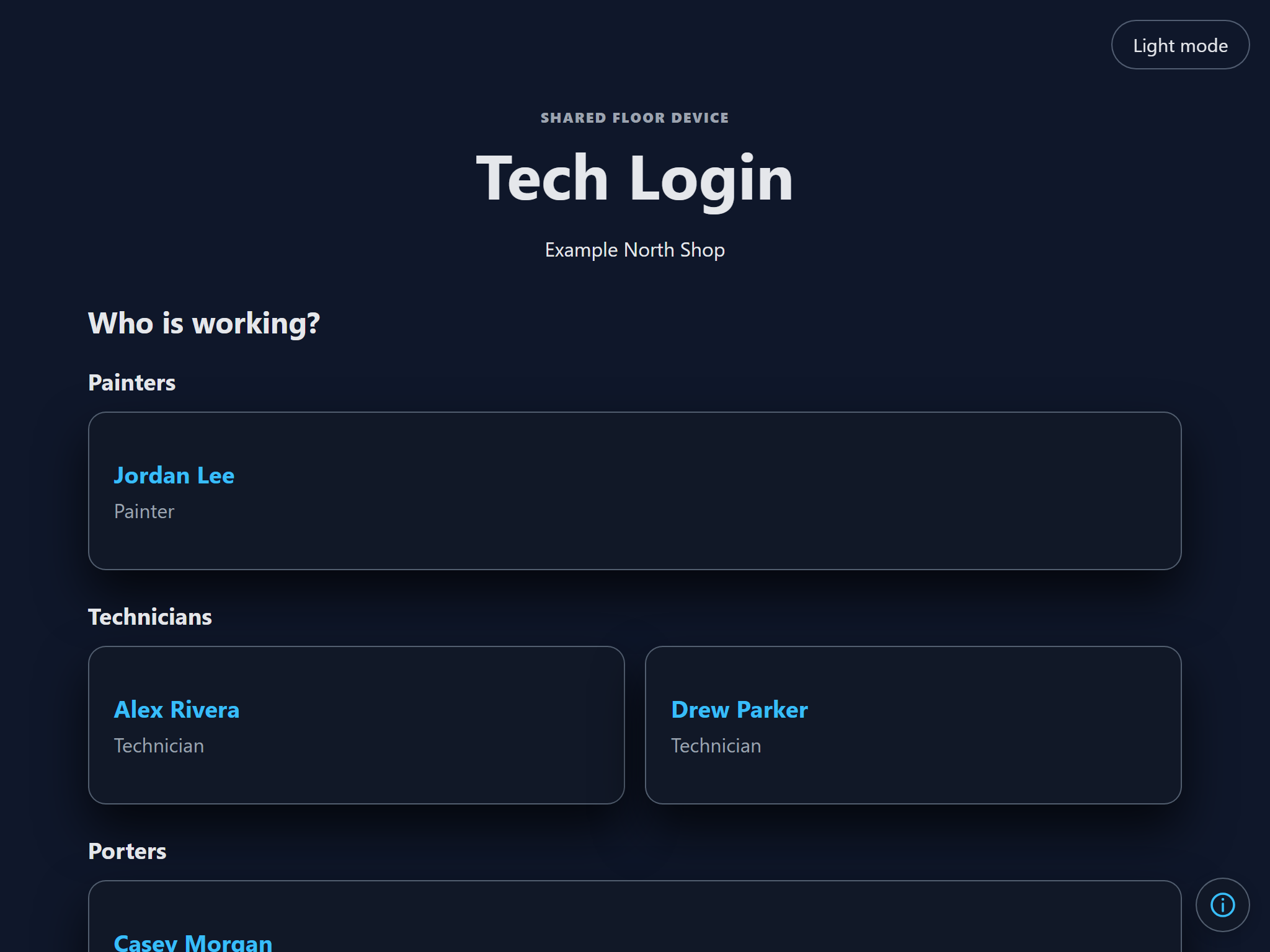
Tech Login / made for the shop floor
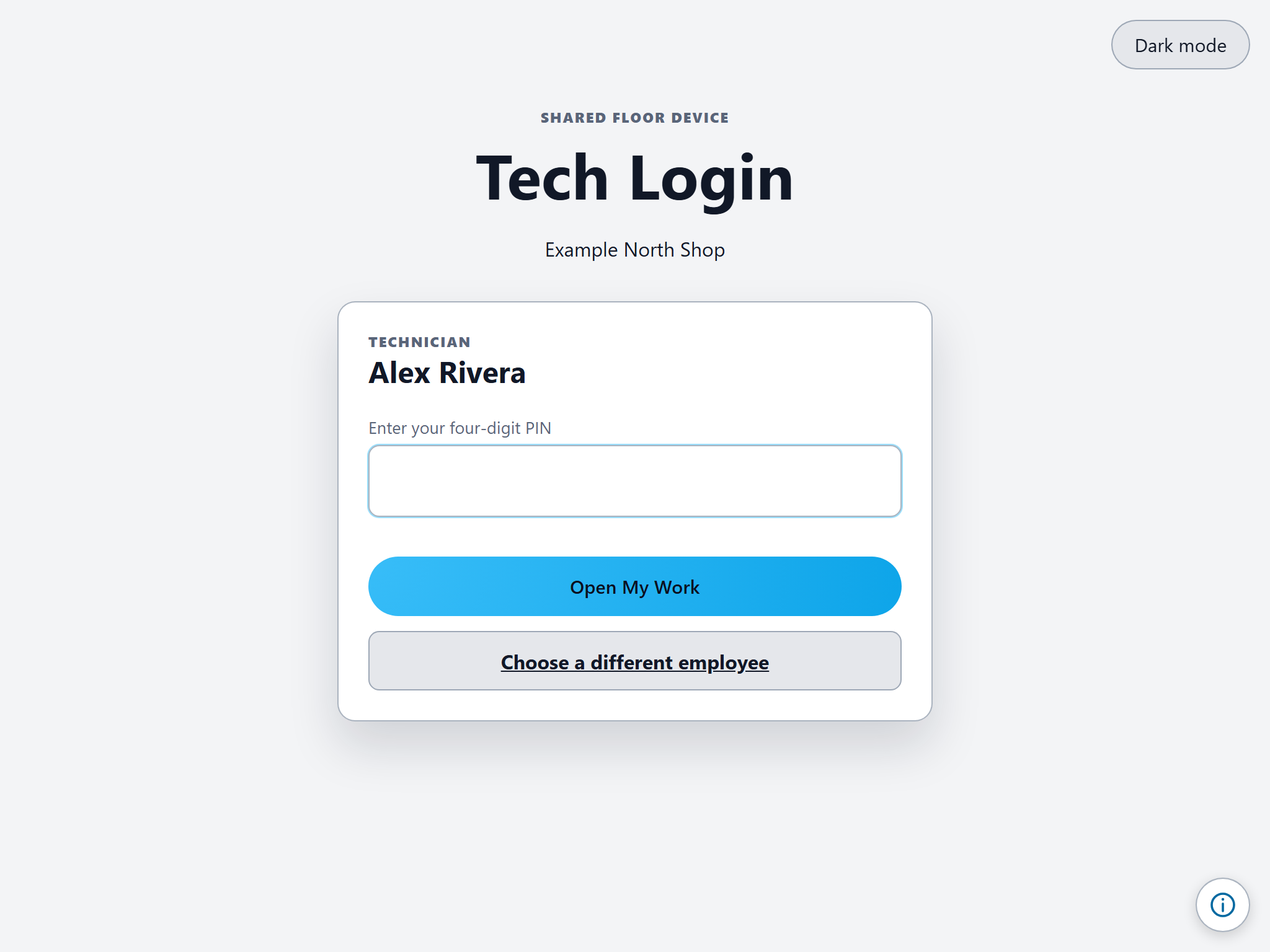
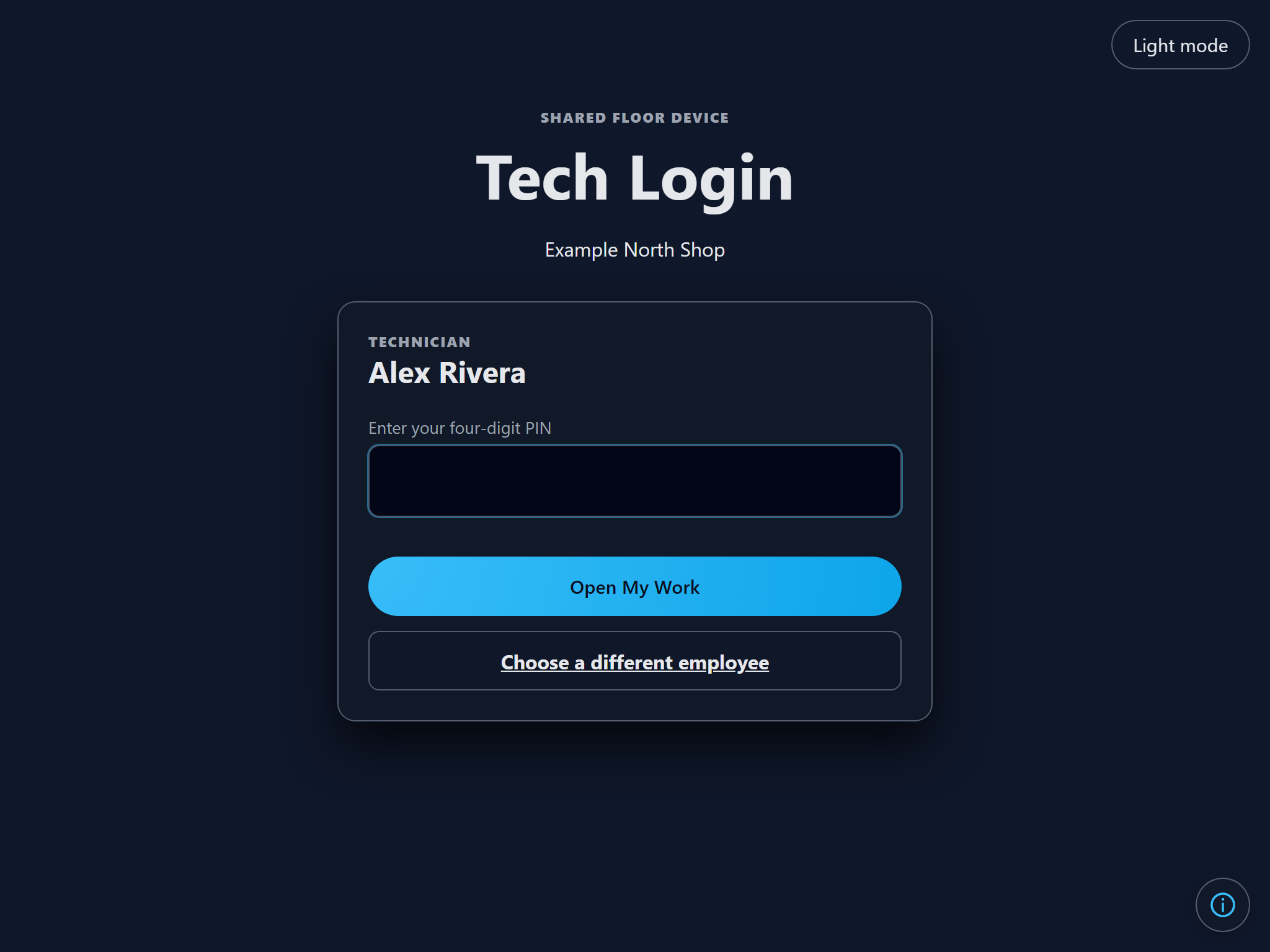
Put a shop computer or tablet to work for the whole team. An Owner, Administrator, or Estimator activates Tech Login, then eligible workers choose their name and use their personal shop PIN to reach their work.
The manager activates the shared device for this shop, ending their manager session.
Each employee uses a personal four-digit shop PIN. First-time users set one up.
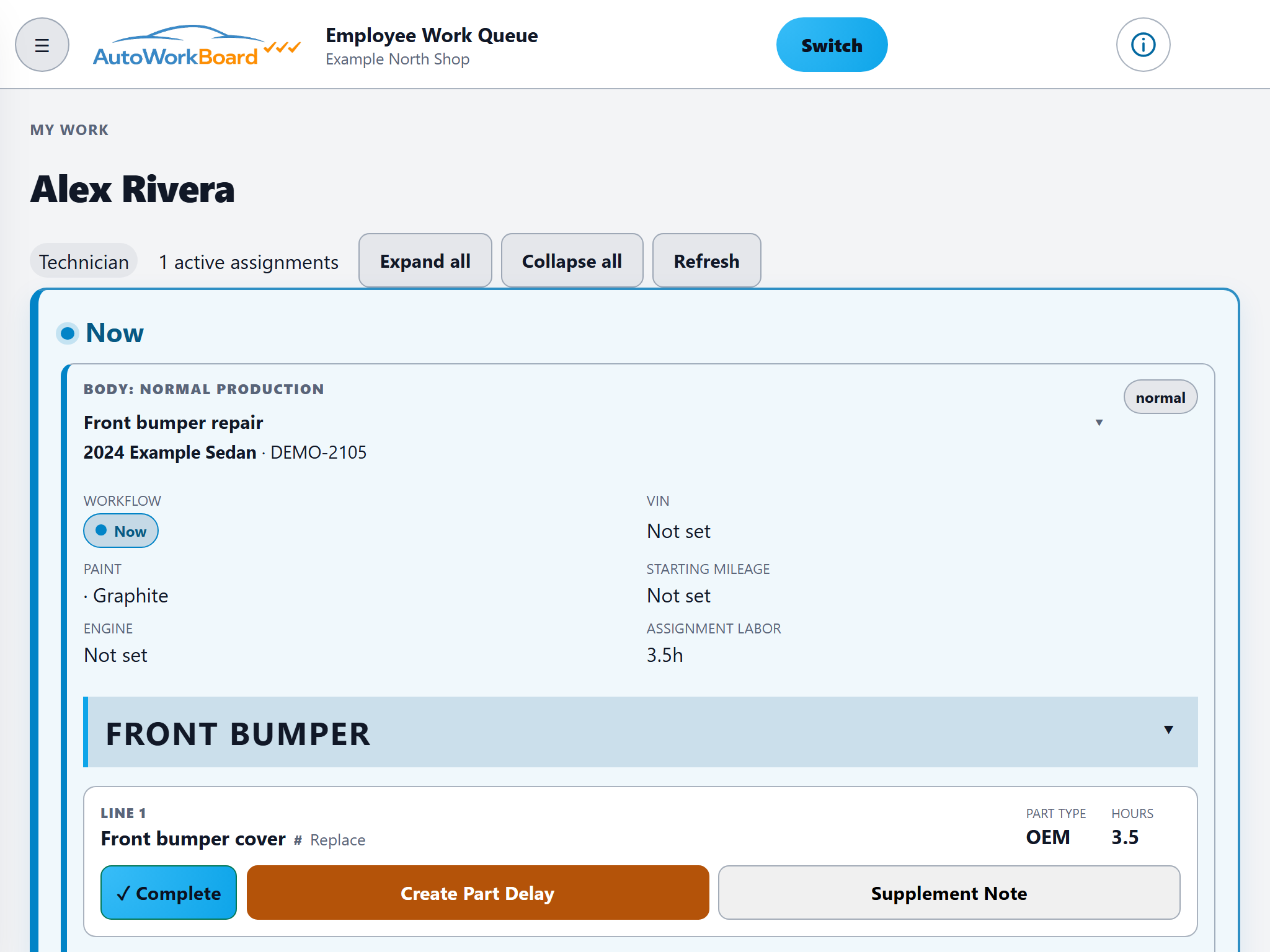
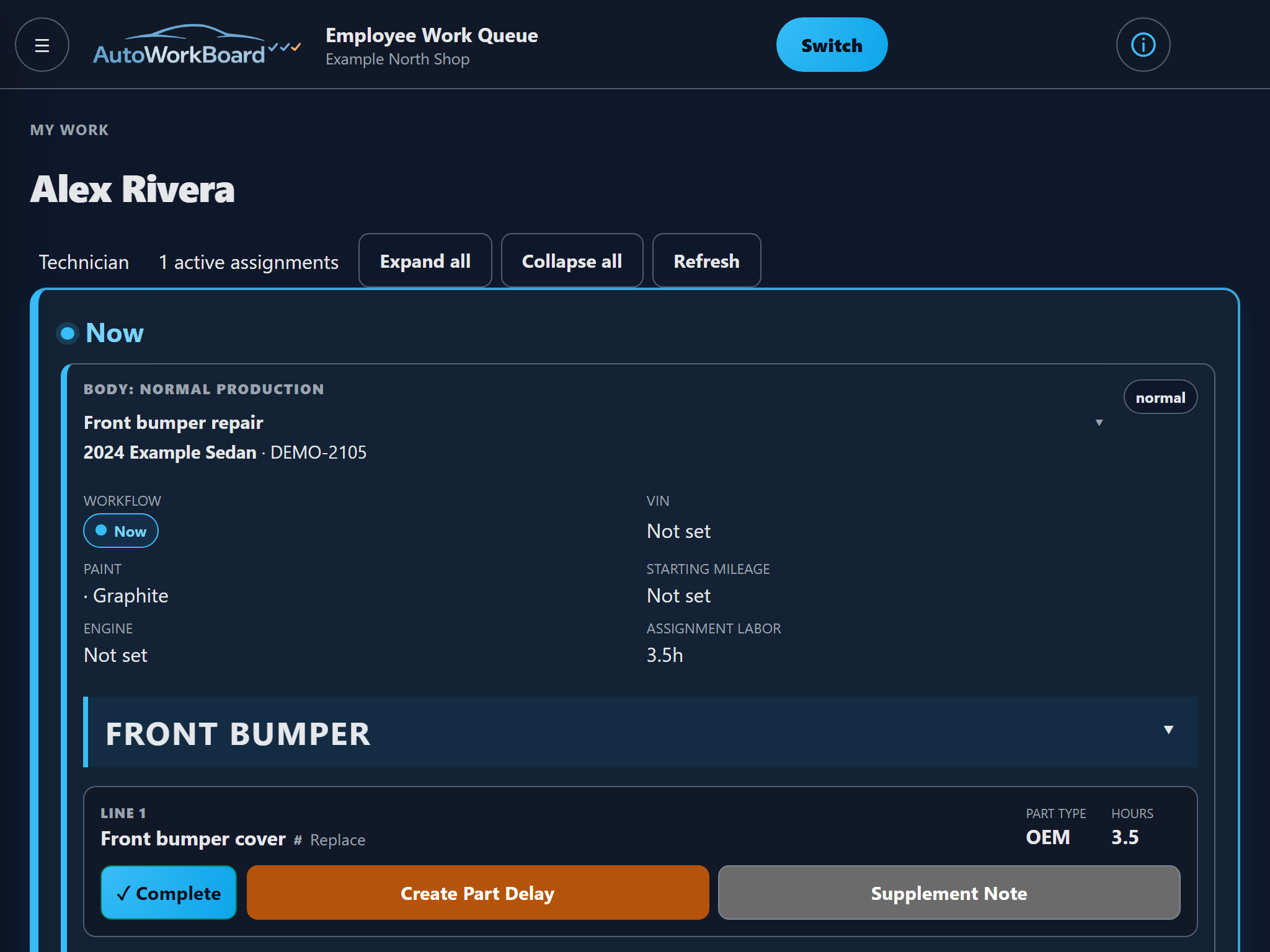
Technicians reach My Work; porters reach Porters. Switch employees to return to the chooser.
1 / 3 - Choose a name
Employees choose their own name on the shop's shared device.
The floor session stays within the selected shop and the employee's floor access.
One board from estimate to delivery
From estimate to delivery
Follow the repair across the shop while each employee works their own assignments. A completed task moves the job forward; the remaining work stays visible.
Bring in the estimate and confirm the work.
Assign and complete the required body work.
Keep the paint handoff connected.
Bring the vehicle back together.
Workflow continues below
Prepare the vehicle for its final checks.
Inspect and address findings.
Make the finished repair visible.
Complete the final handoff.
A typical path is shown. Required work determines which production phases apply to each repair.
CCC ONE / Work Classifications
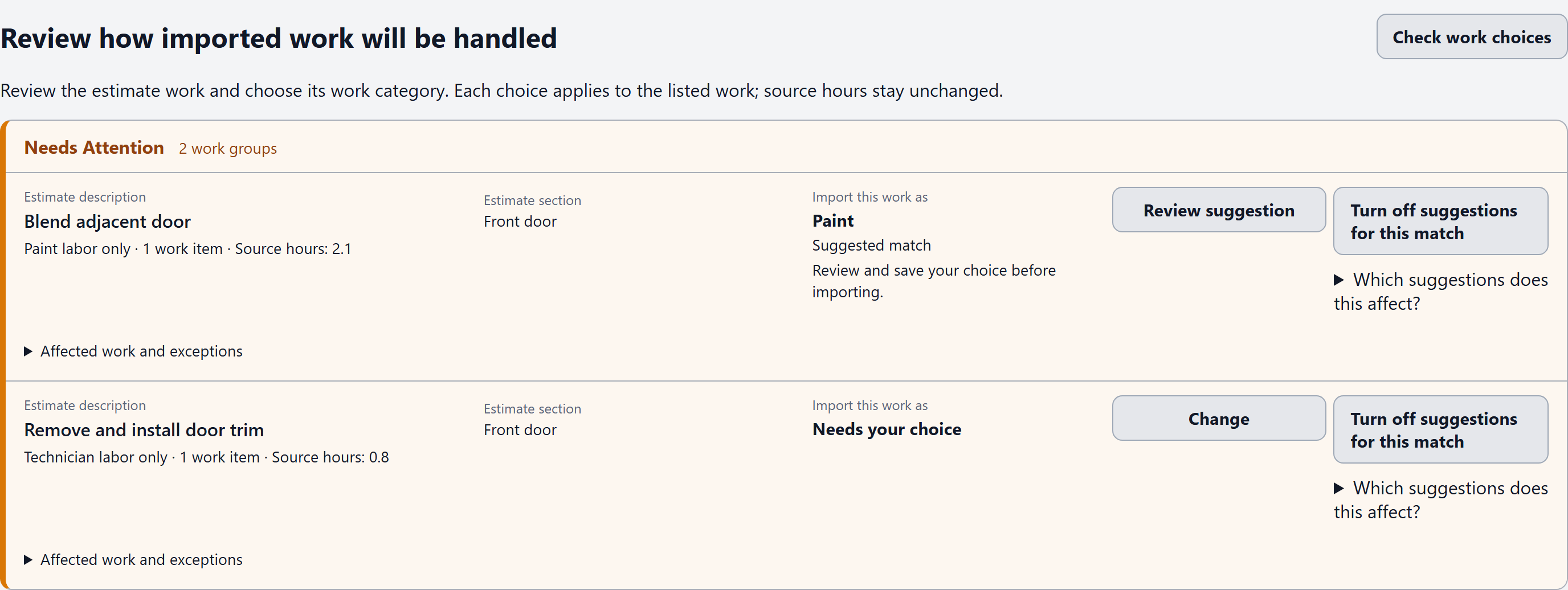
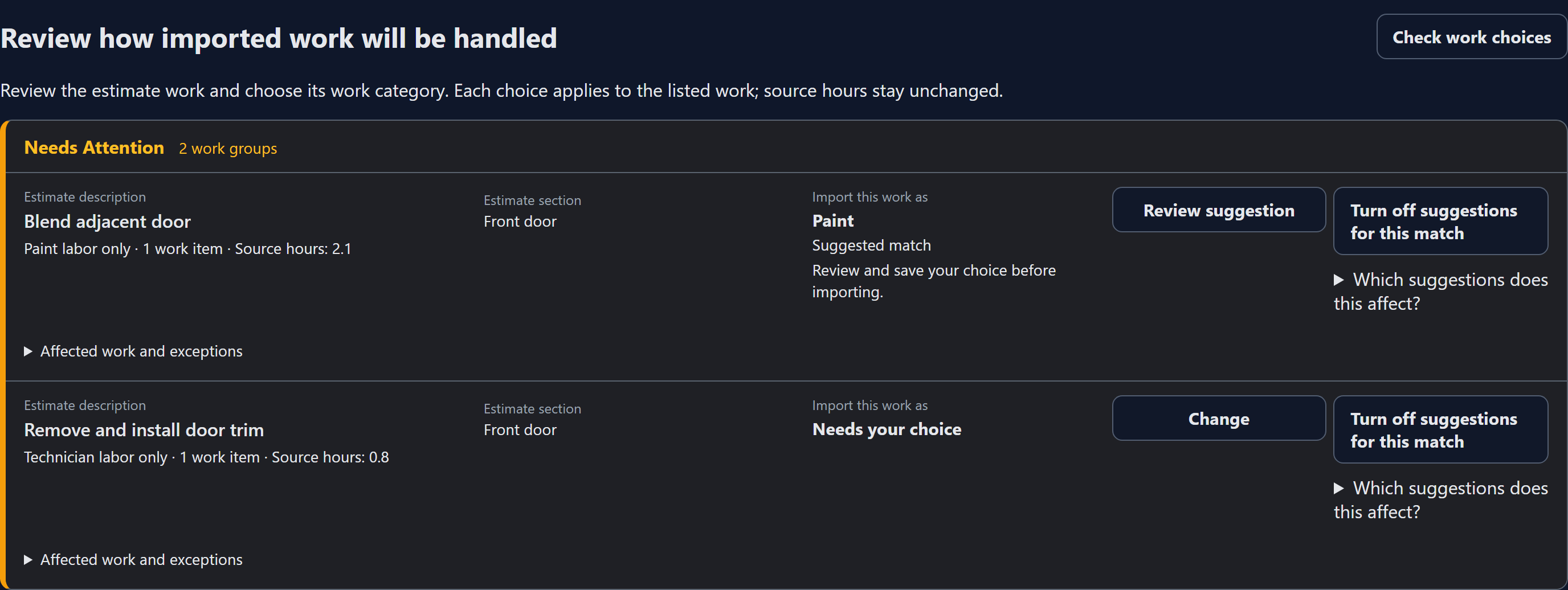
Your shop's decisions can carry into future imports. Review the selected work, choose its phase and Sublet category, and decide whether to remember the choice.
See classification questions and suggestions alongside the imported estimate lines.
Choose a work phase, a Sublet category, or both for the same work. See affected items and source hours before saving.
Choose This import only or Remember for future imports. Remembered choices are saved when you save the classification; accepting estimate changes remains a separate review. New or conflicting work still gets reviewed.
Saved shop rules help classify future matching work. Your team stays in control of the review and the exceptions.
Useful from office to floor
Plan the work in the office, act on personal assignments on the floor, and keep the shared Go Sheet visible across the shop.
Review work in flight, assignments, projected finishes, and promised dates.
Move repairs forward with context that stays connected after the estimate.
Open a focused queue with assigned work and repair instructions.
Coordinate vehicle movement and support tasks from the same live picture.
Simple per-shop pricing
The first 50 activated shops receive $99/month for as long as they keep that plan. The next 450 receive $149/month for 24 scheduled monthly periods, then $199/month. Missed payments do not extend or restart the discounted term. Standard pricing is $199 monthly or $2,148 billed annually ($179/month).
Card setup is required before the seven-day trial begins. You are not charged until the trial concludes under the billing terms. Cancel at the end of the paid period. Payments are not automatically prorated or refunded. Applicable taxes may be added after tax configuration is enabled.